
Download & Install
1. Download Cocodesk
Select the installation package matching your computer system (current version: 0.12.0):
| Computer system | Installation package |
|---|---|
| Windows (Windows 10 or later) | Download for Windows |
| macOS (Apple silicon) | Download for Apple silicon |
| macOS (Intel chip) | Download for Intel |
Not sure which Mac chip you have? Click the Apple menu → "About This Mac". If the Chip line shows Apple M-series, pick the Apple silicon package; otherwise pick Intel.
2. Install Cocodesk
Windows:
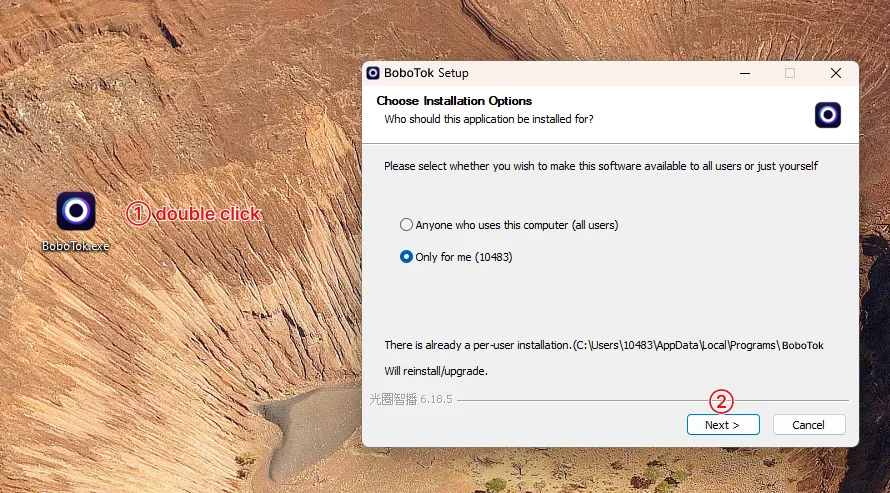
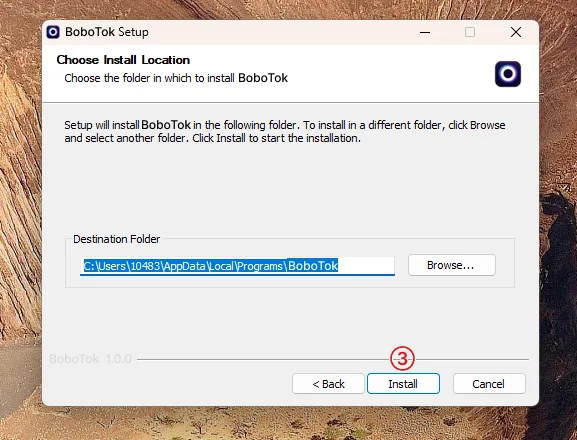
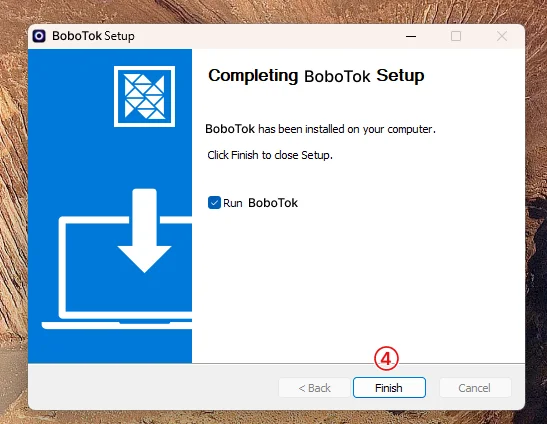
macOS:
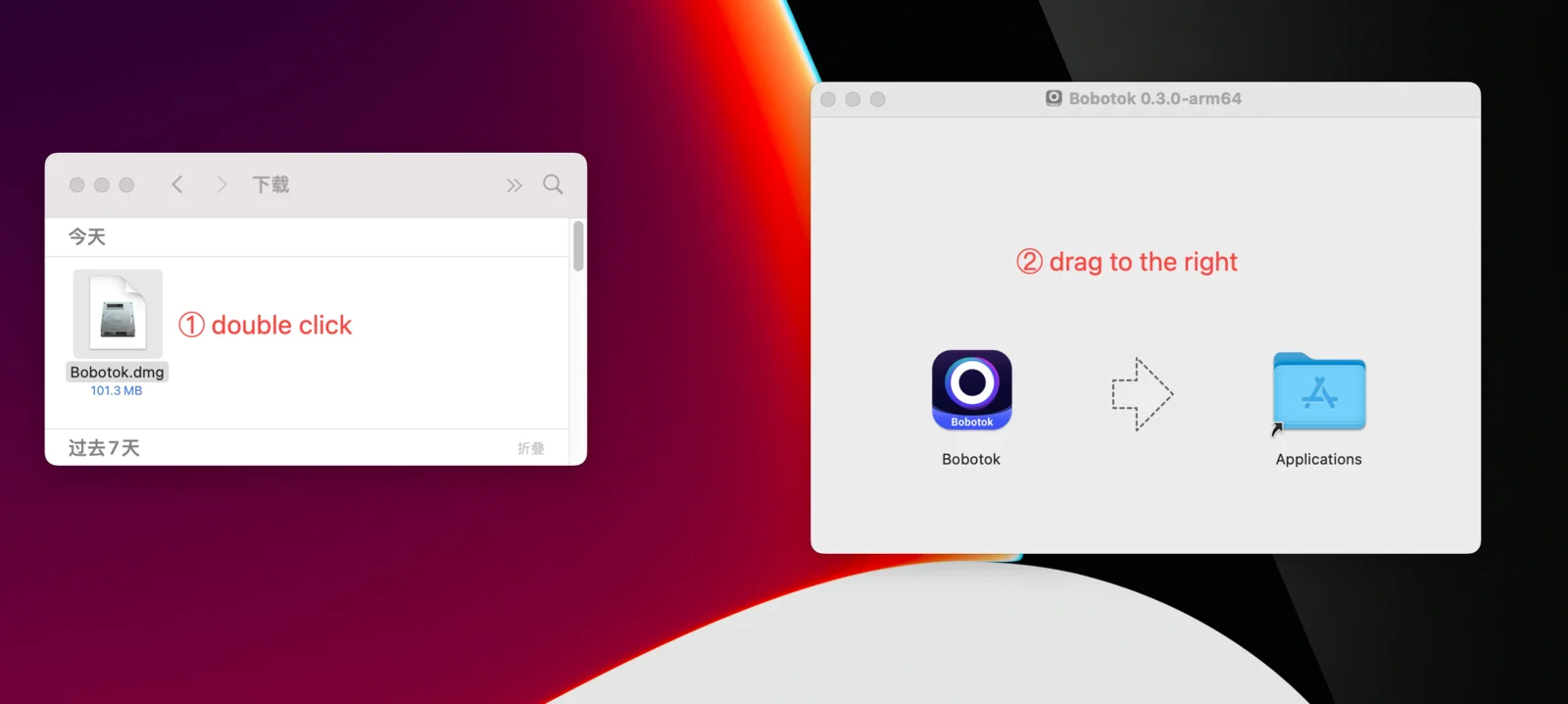
3. Open and use
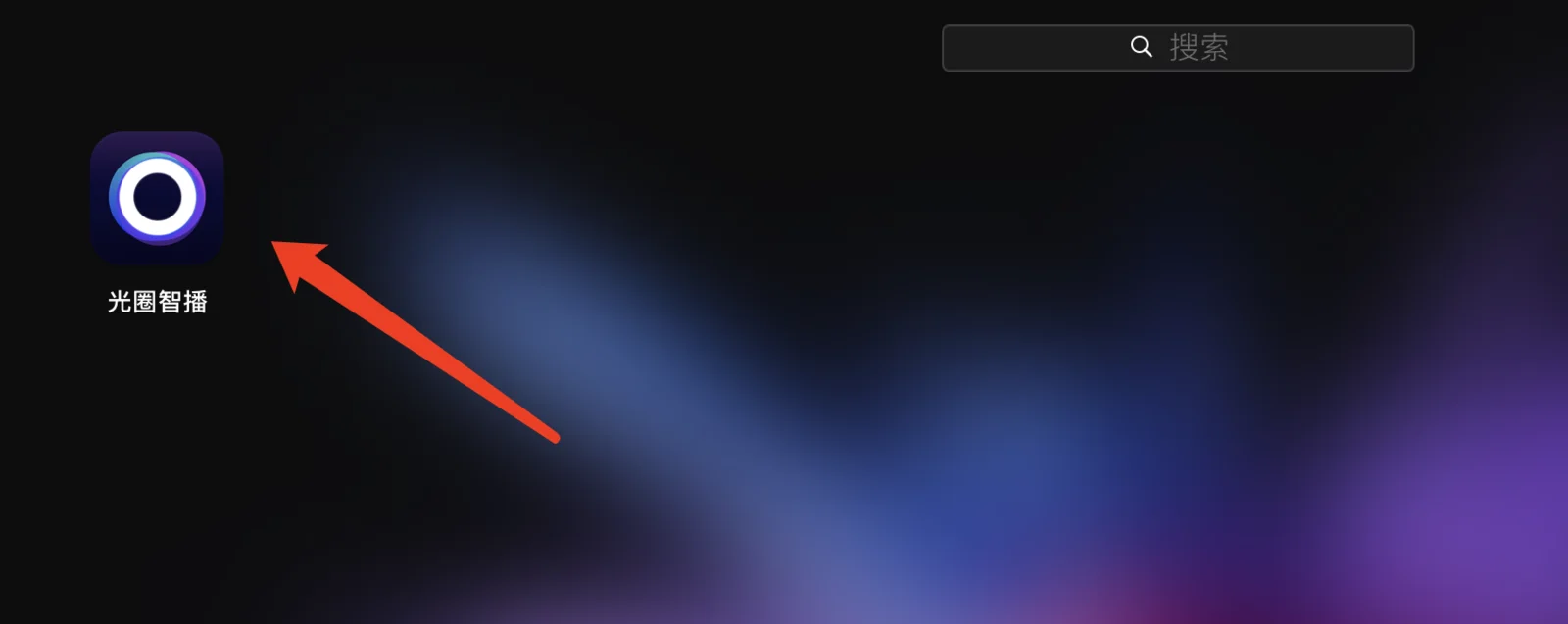
Step 1. Double click to open Cocodesk
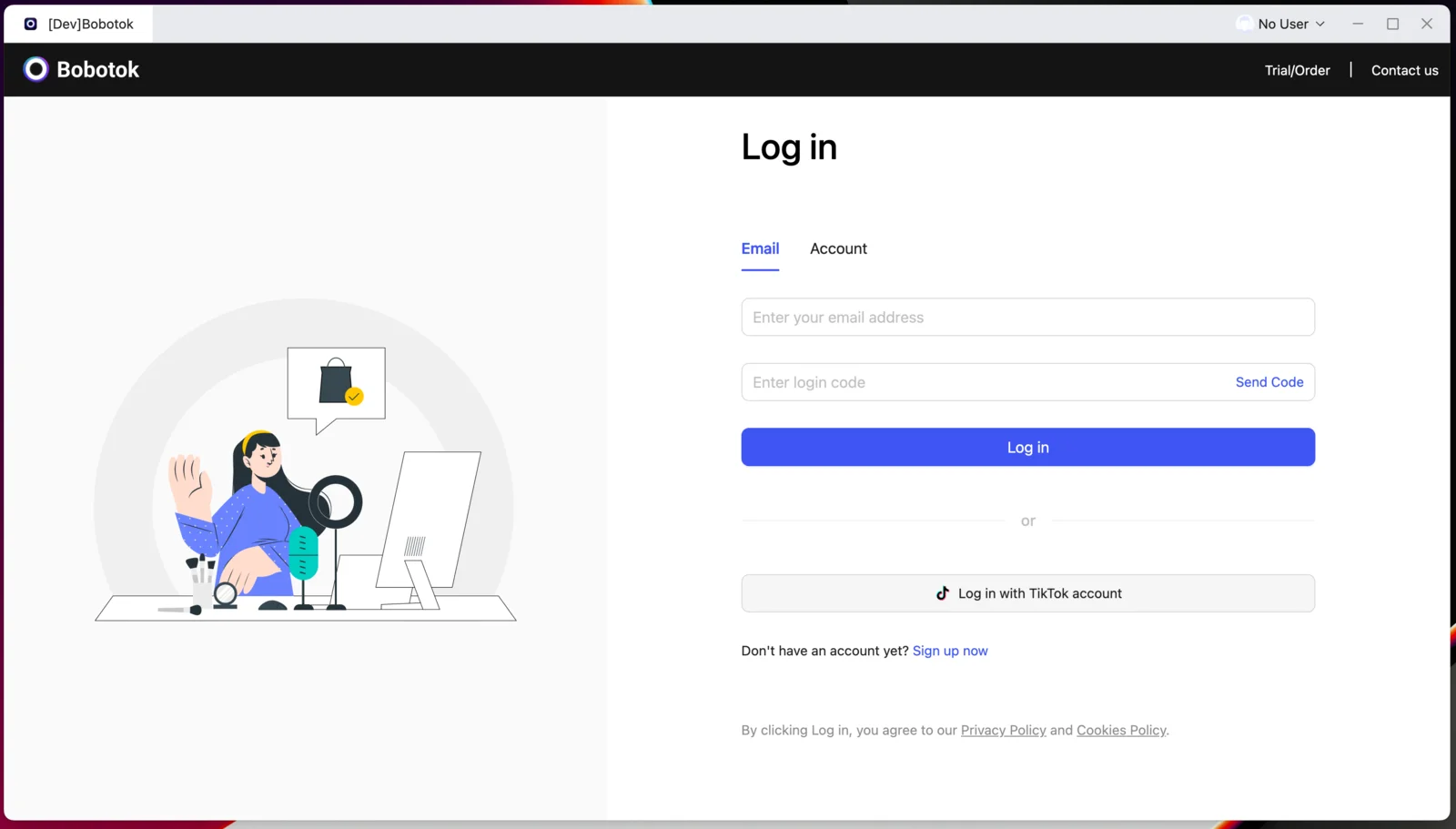
Step 2. Log in or sign up for Cocodesk
Don't have an account yet? Register first.
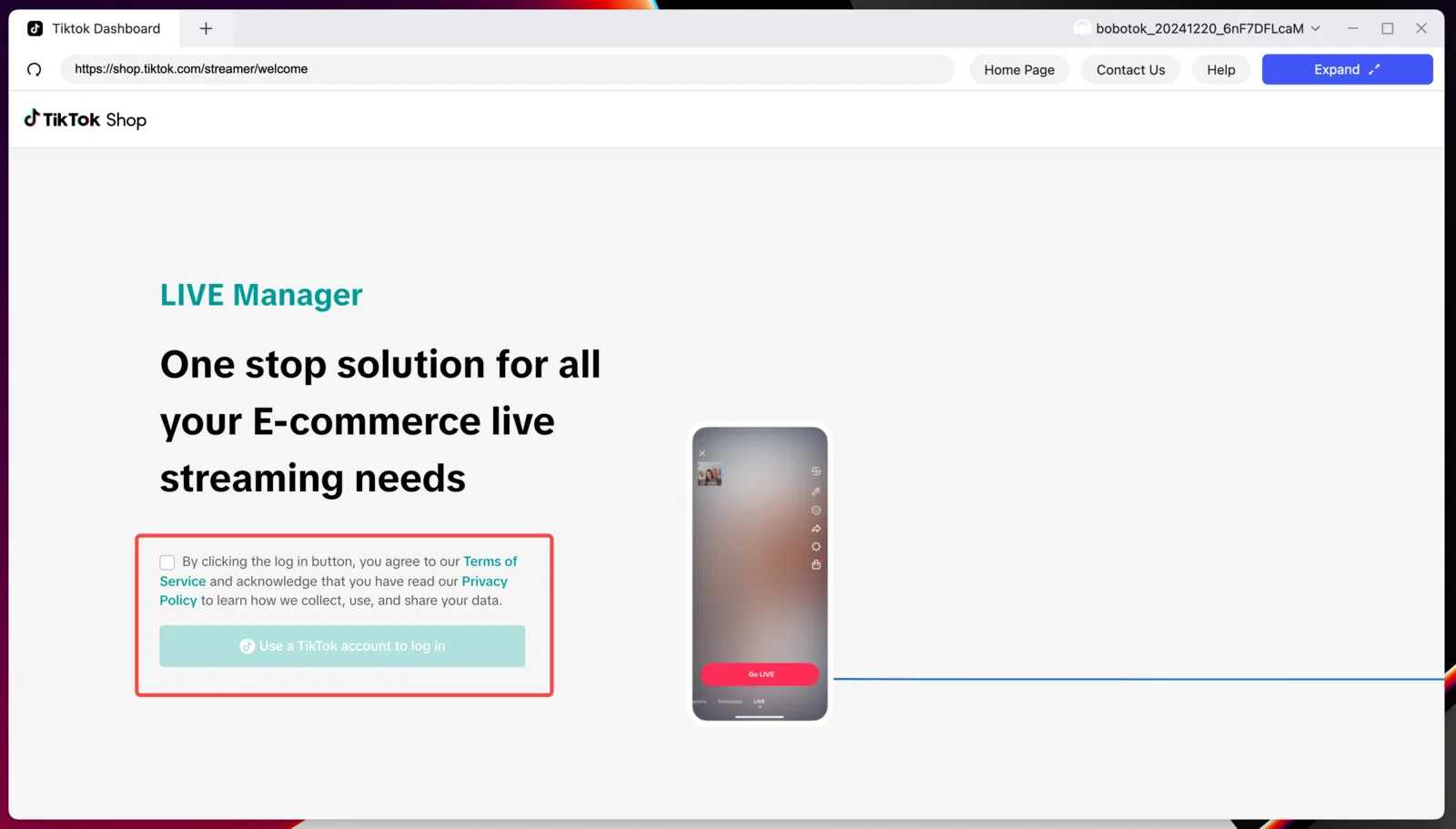
Step 3. Log in to the TikTok Dashboard
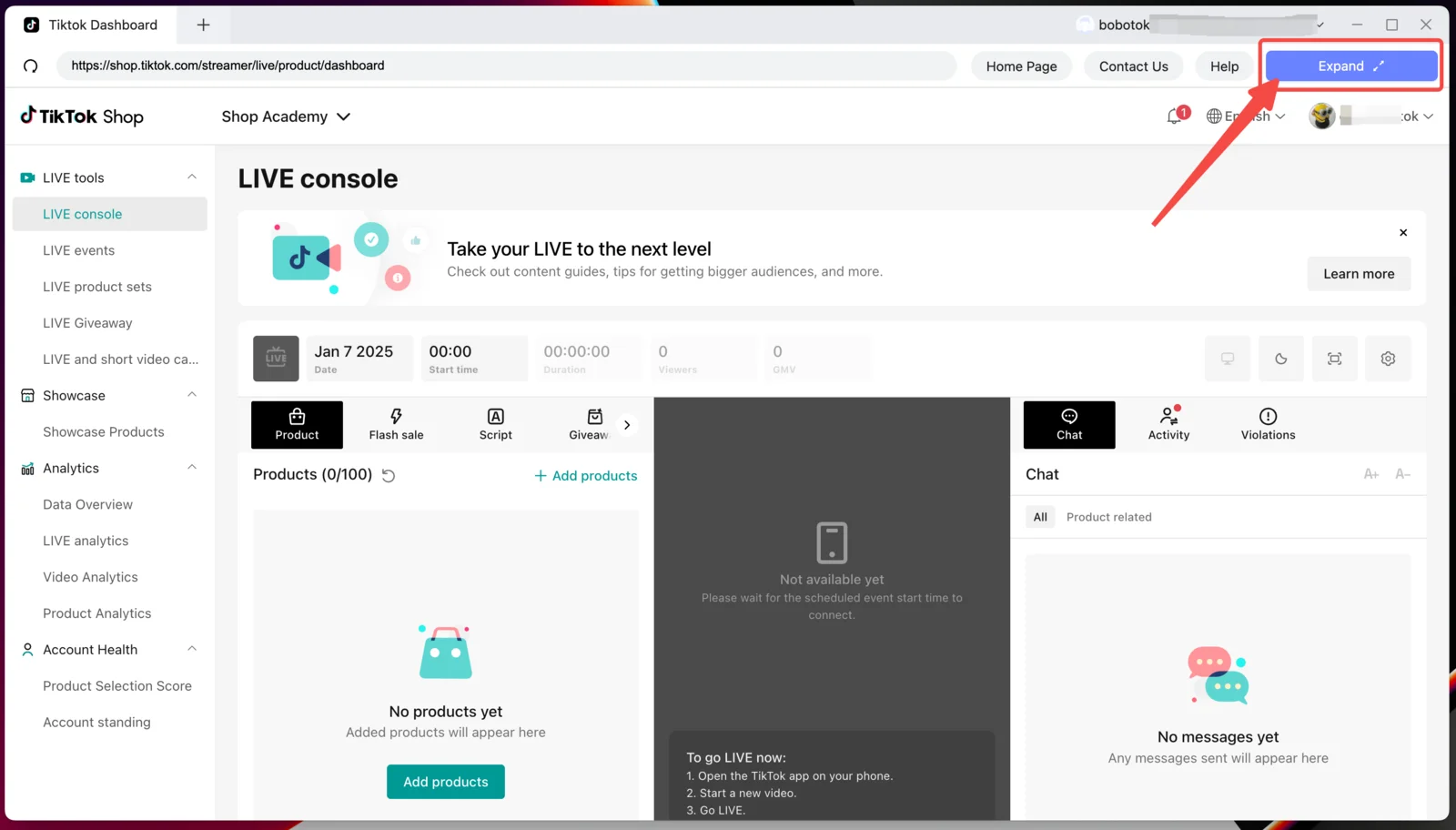
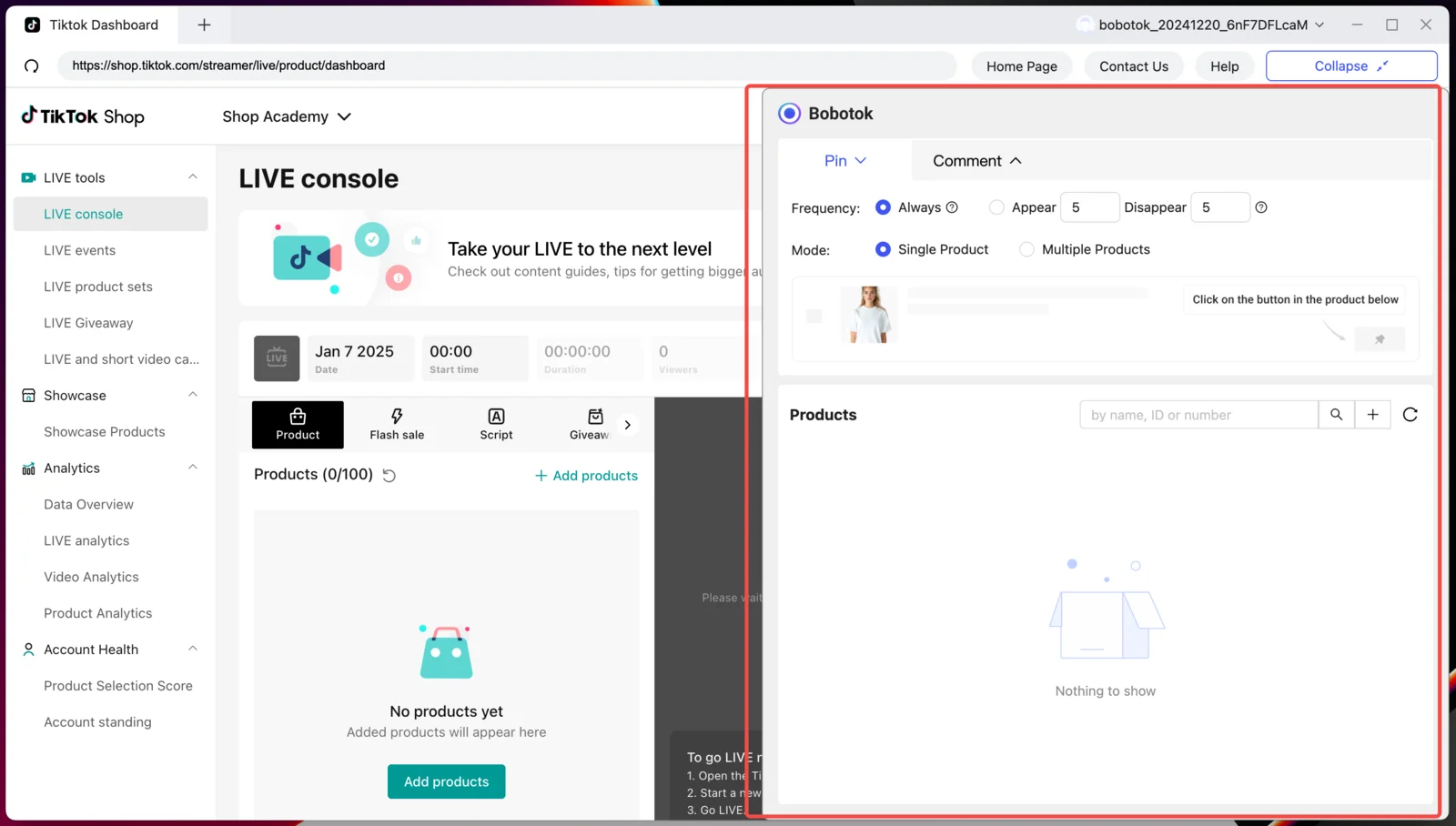
Step 4. Click "Expand" to open the Cocodesk control panel
Next steps
Head to the Features section to configure the cycle pin, auto comments and auto replies.